Monthly
Renews every month

Workout log + Progression Engine
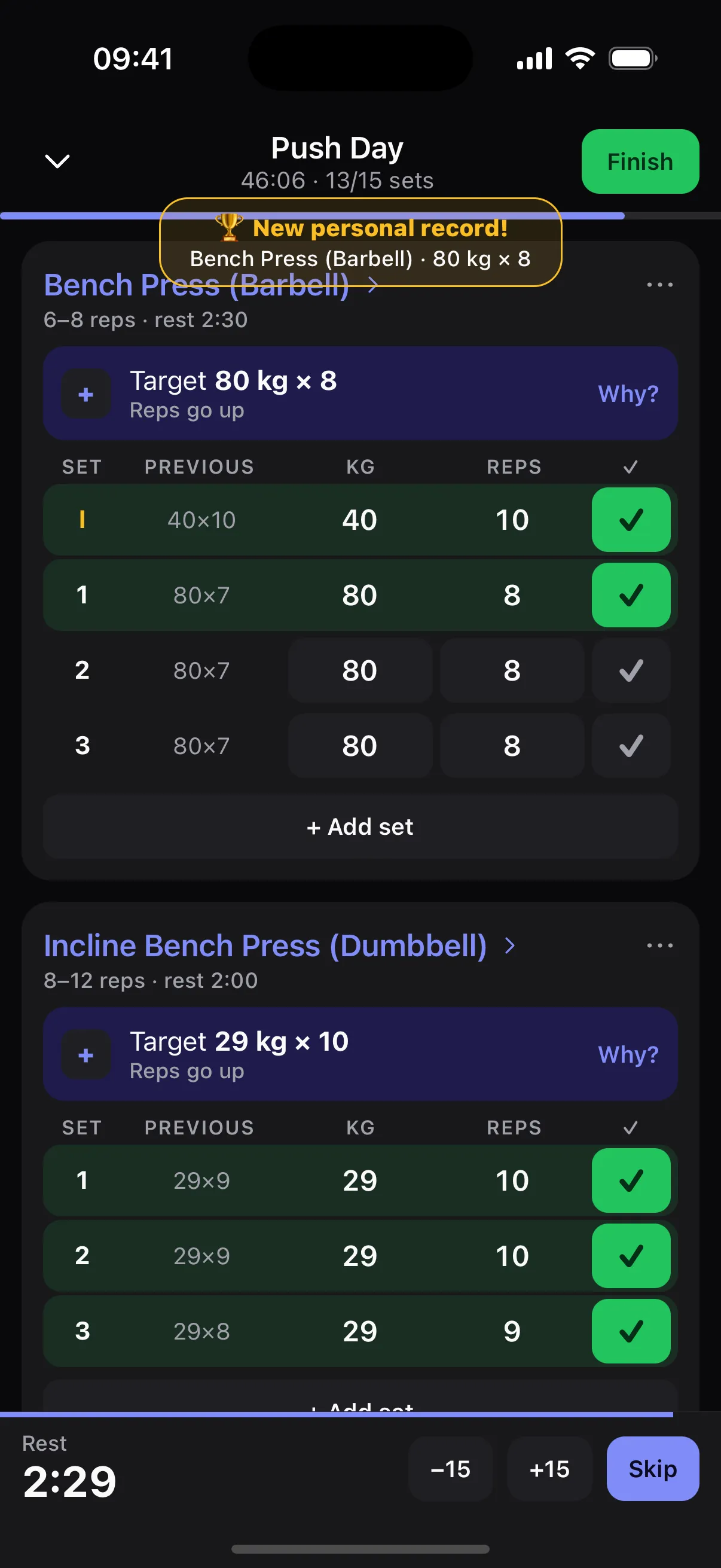
Log your sets. After every workout, Setlore calculates your next target for each exercise: how much weight, how many reps, and why.
For iPhone and Android · Türkçe, English, Deutsch, Español
Progression Engine
The engine looks at your recent sessions for each exercise and decides with fixed rules. The same history always gives the same answer, and you can always see why.
Weight, reps and how hard the set felt. Every tap is saved to your phone instantly.
The engine checks each exercise: did you hit the target range, have you stalled, did you take a break?
Add weight, add a rep, hold, or go lighter. Every target comes with a plain explanation.
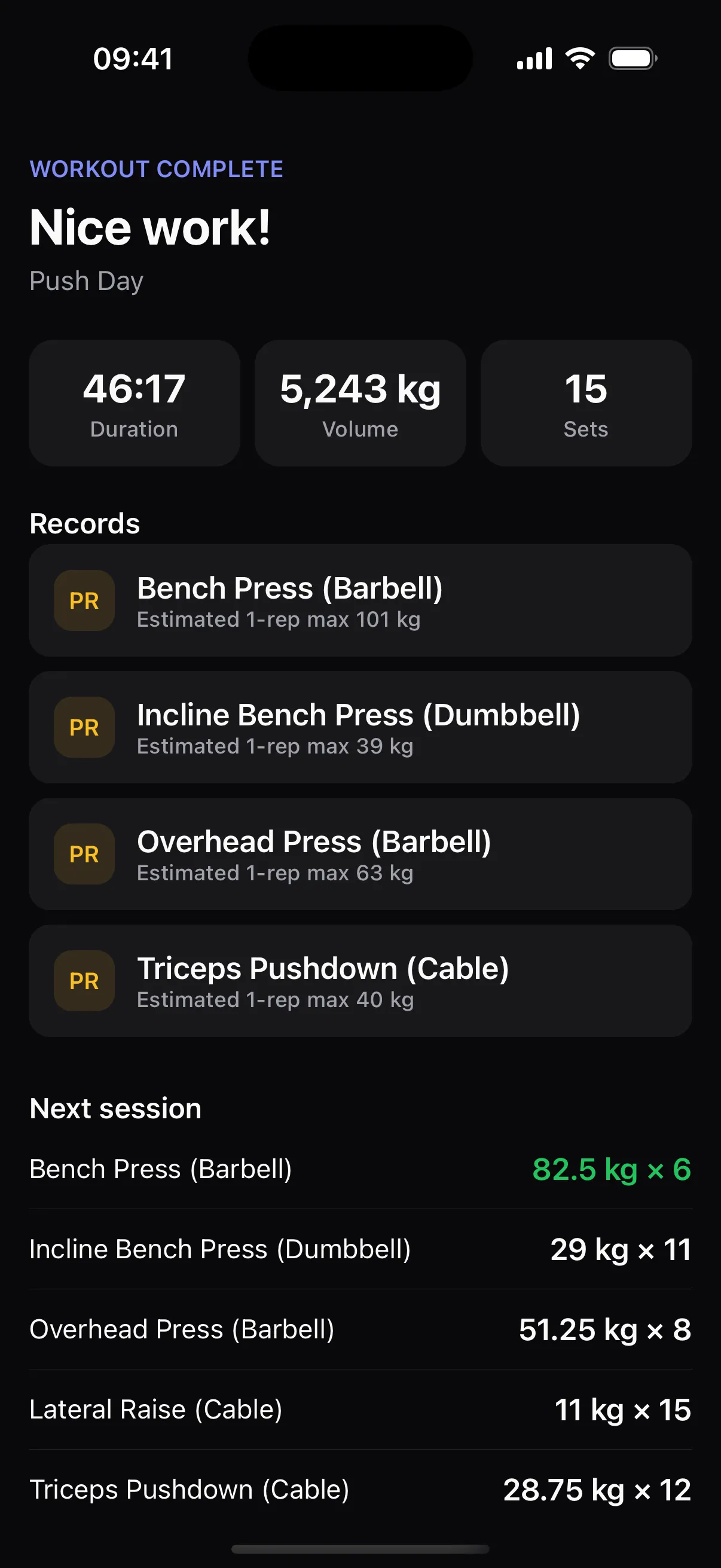
Target 82.5 kg × 6
Last time you hit 8 reps on every set at 80 kg. The weight goes up one step.
Logging should be fast, and the numbers should tell you what they mean.
Check off a set with one tap and the rest timer starts on its own. Plate calculator, supersets and timed exercises included.
Full body, push-pull-legs, upper-lower, 5×5, 5/3/1, GZCLP, dumbbell-only or no equipment. Or build your own.
Workouts are saved to your health app and your heart rate shows up in the summary. The rest timer sits on your lock screen, where you can tick off the set. A home screen widget shows your week.
Bike, treadmill, rower and more. Log distance, time, speed, incline and heart rate; see it in summaries and progress charts.
Type in the exact machine weight, add notes to a set, pick the weight step for each exercise. Train at more than one gym? Each one keeps its own equipment.
Works without internet. Your data syncs on its own when you're back online.
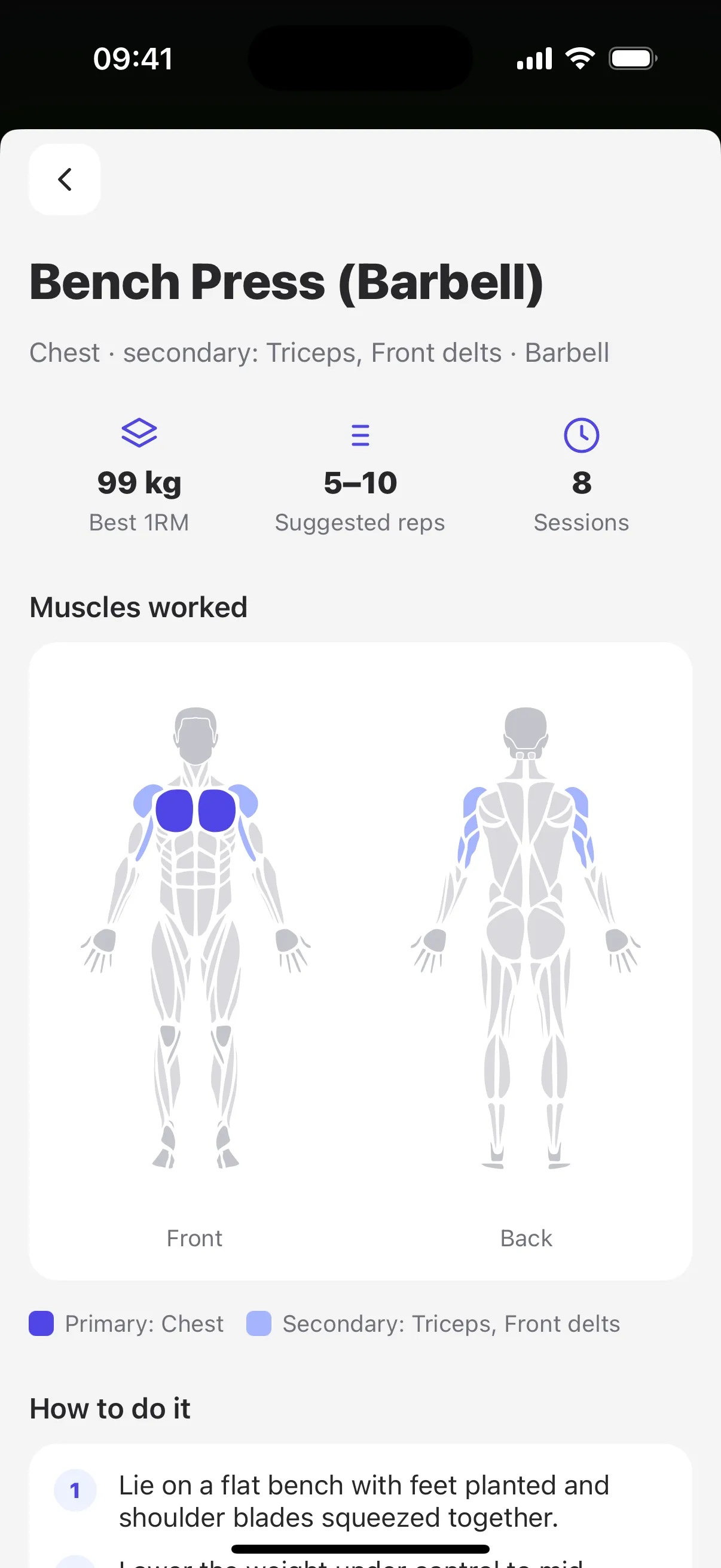
Search by equipment and muscle, and read how each exercise is done. See which muscles it works on a body diagram. Missing one? Add your own.
New records are celebrated on the spot. Estimated max and total weight charts show you getting stronger.
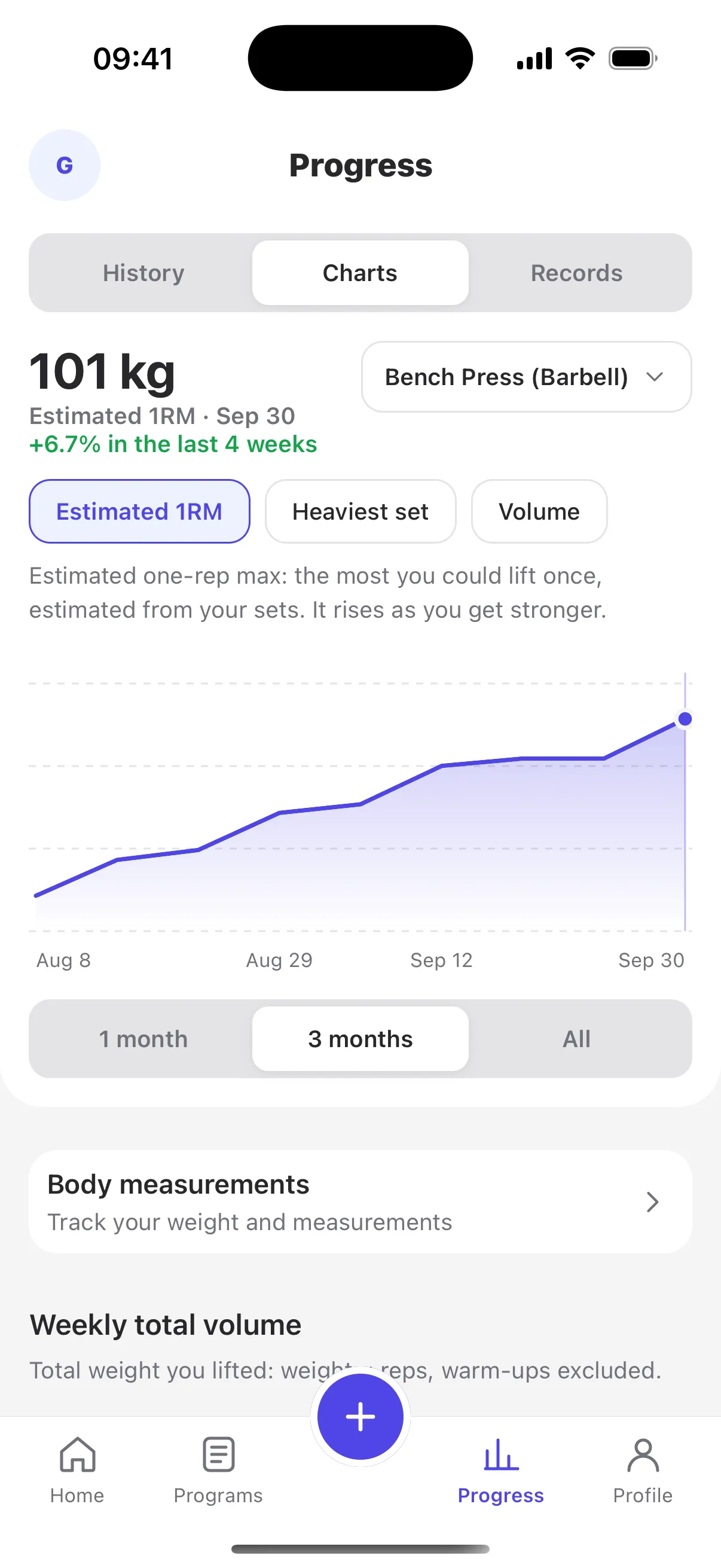
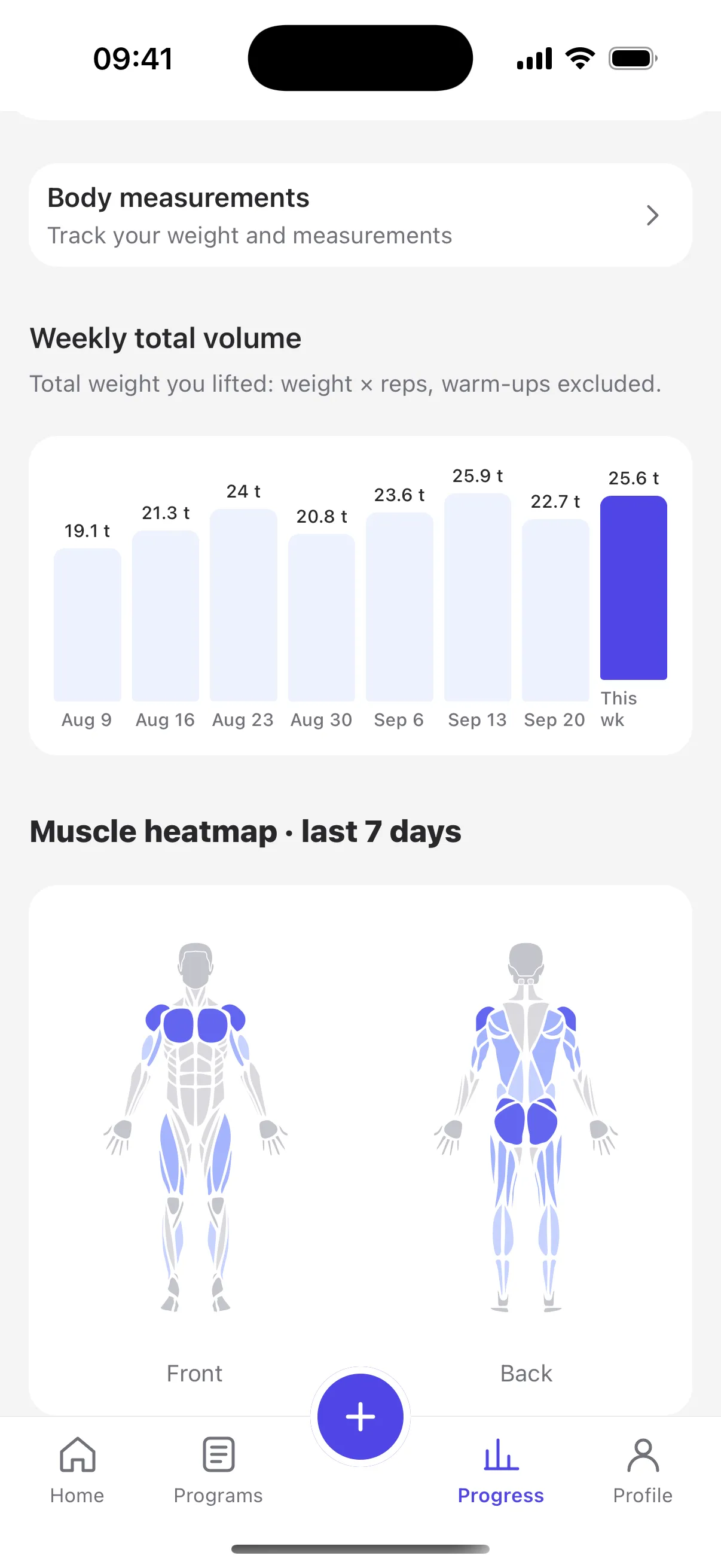
How many sets did each muscle get this week? Spot what's falling behind at a glance.
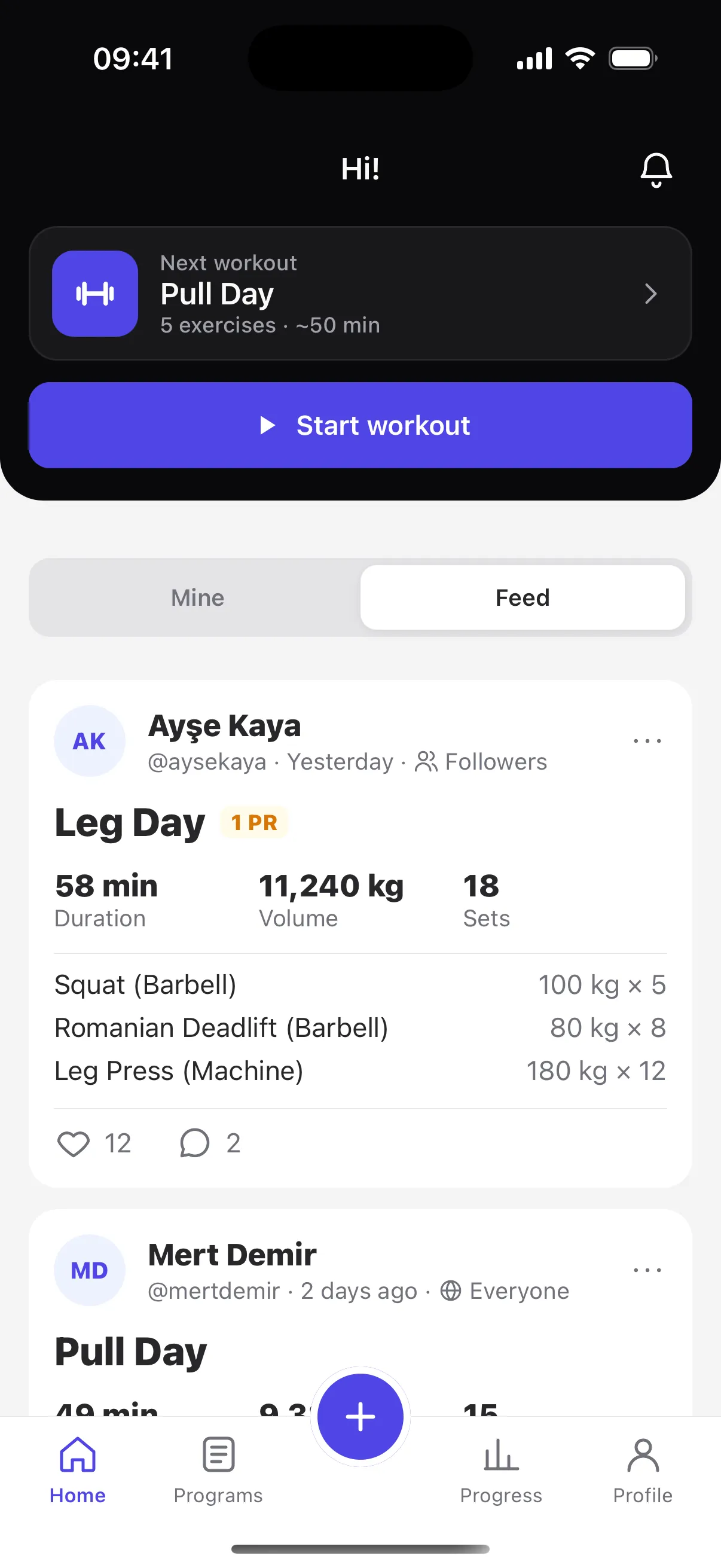
Share workouts, like and comment. You choose who sees what, or keep everything to yourself.
Try Setlore free for 15 days — no card required. Want to keep going? Go Pro; the yearly plan costs 44% less. Rather not subscribe? Pay once and keep Pro for life.
Renews every month
Renews every year
One-time payment, no subscription
🔒 Your history is never locked: even if Pro ends, viewing and exporting your workouts is always free.
Your local price is shown in the app. Cancel a subscription anytime in the App Store or Google Play; lifetime has no subscription to cancel.
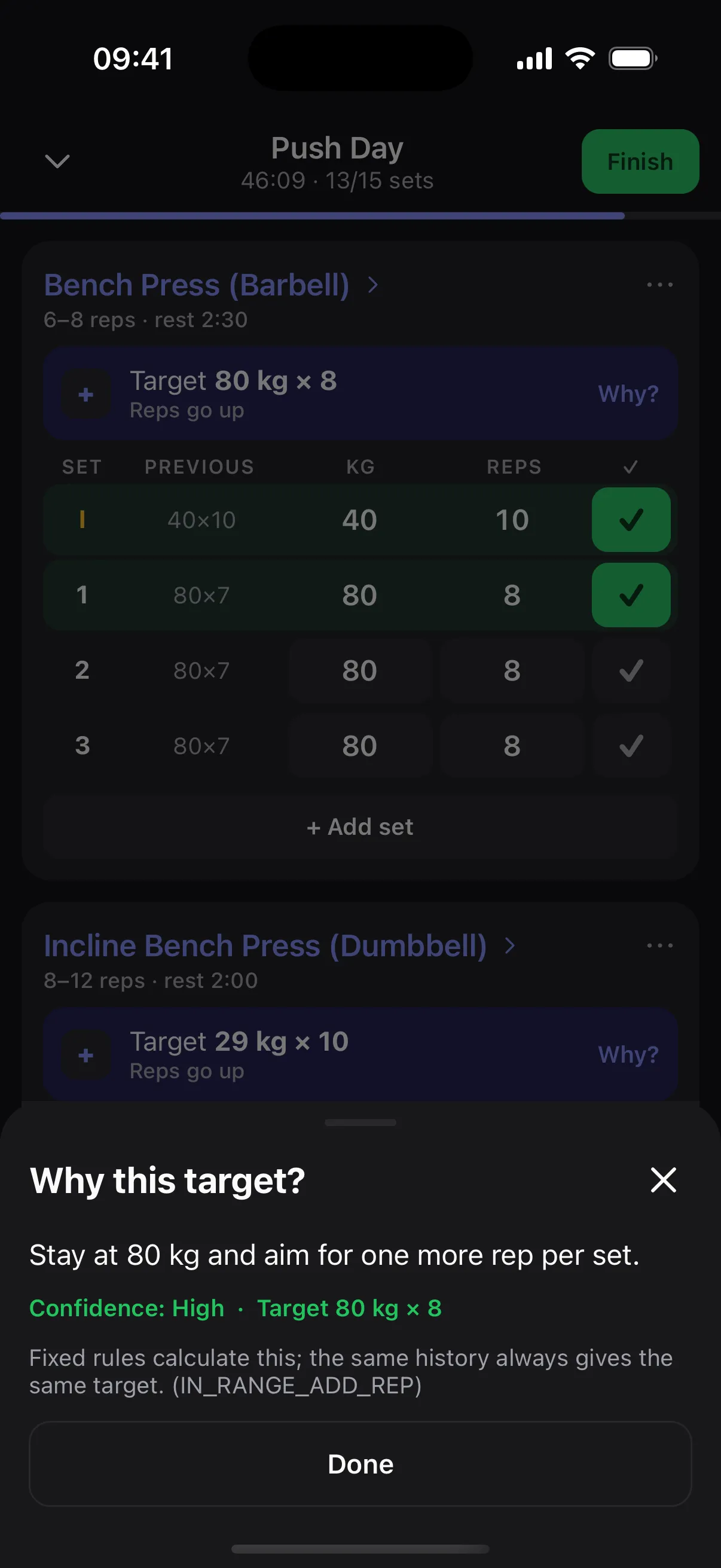
It looks at your recent sessions for each exercise. If you reached the top of your rep target on every set, the weight goes up one step; if you're within the range, it asks for one more rep; if you fell short, it holds or goes lighter. The "Why?" button next to each target shows the reason.
Yes. During a workout everything is saved on your phone. It syncs with your account when you're back online.
Yes. Import the CSV file you export from that app, and your history and records come with you.
You use the whole app free for your first 15 days — or your first 12 workouts, whichever comes first — with no card required. After that, you go Pro to keep logging new workouts and using the engine. Viewing and exporting your history is never locked and always free.
Both unlock the same features. The yearly plan costs 44% less than paying monthly. Your local price is shown in the app.
Manage your subscription in your App Store or Google Play account settings. Cancel before the trial ends and you won't be charged.
On your phone first. With an account it's backed up and synced to your other devices. You can delete your account and all your data from the app.
Setlore is out now on the App Store. Google Play is coming soon.